Frame a moment
Choose when the frame is captured: as you press, as you release, or by selecting a frame from the time you speak.
 LIE·CAVOICE-DIRECTED AI CAMERA
LIE·CA · 雷擦相机
Bring your characters into everyday scenes, give a photo a new mood, or try a visual idea. Lieca turns your camera view, voice and optional references into AI images.
Android test build · iOS version in preparation
 AI GENERATED
Choose when the frame is captured: as you press, as you release, or by selecting a frame from the time you speak.
Hold the shutter and speak. Name a reference “little dragon” to call it into your scene, or save a direction and its references as a reusable preset.
One successful generation uses one photo credit. The original stays private; sharing defaults to the AI-labelled edition.
INSIDE LIE·CA
A coffee stop, your desk, the next trip. Add a reference of your original character (OC), give it a name, and mention it as you speak. Save the reference and direction as a preset for the next scene.
PHOTO mode remains ordinary photography. AI results default to a labelled version for saving and sharing.
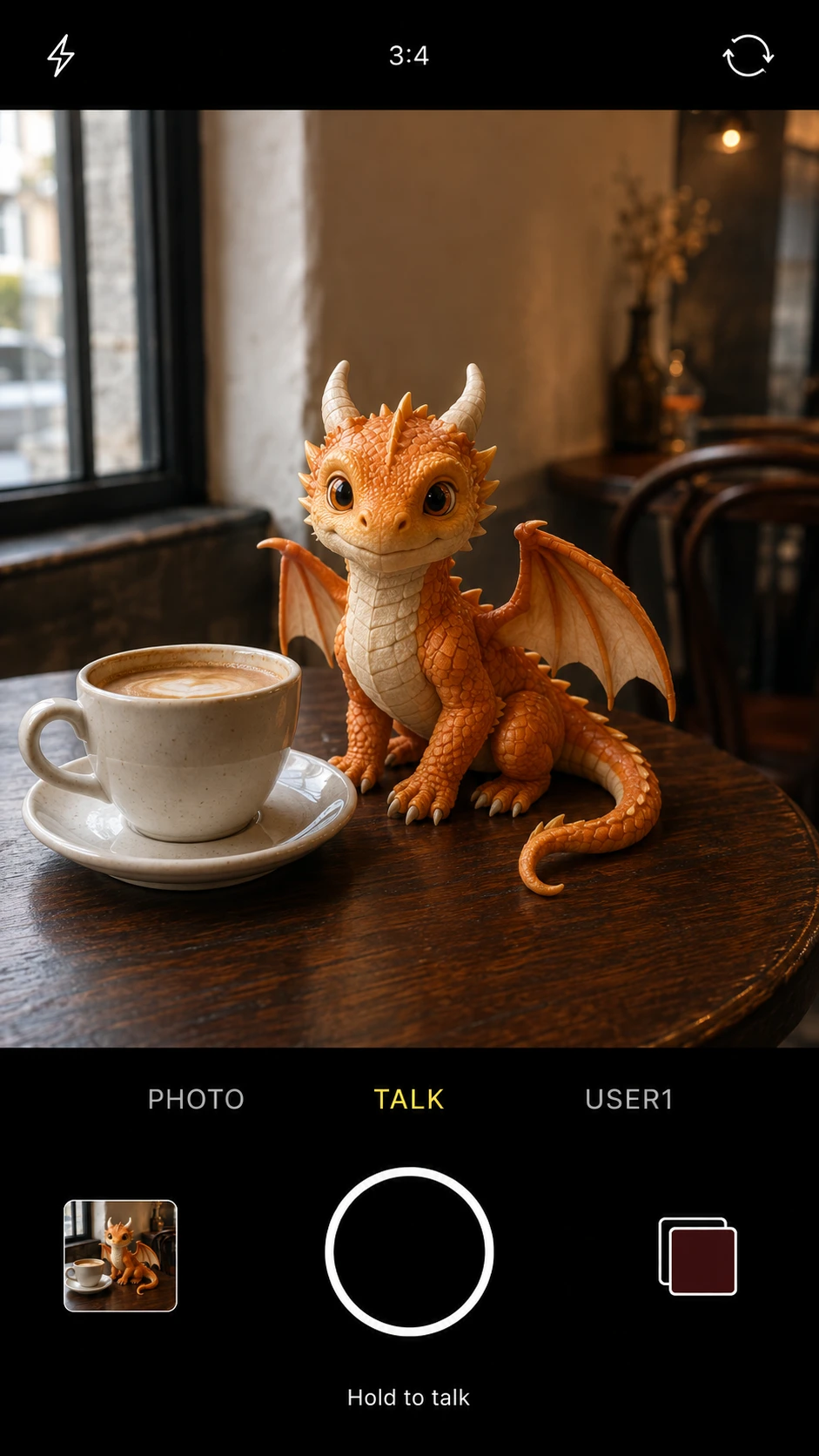
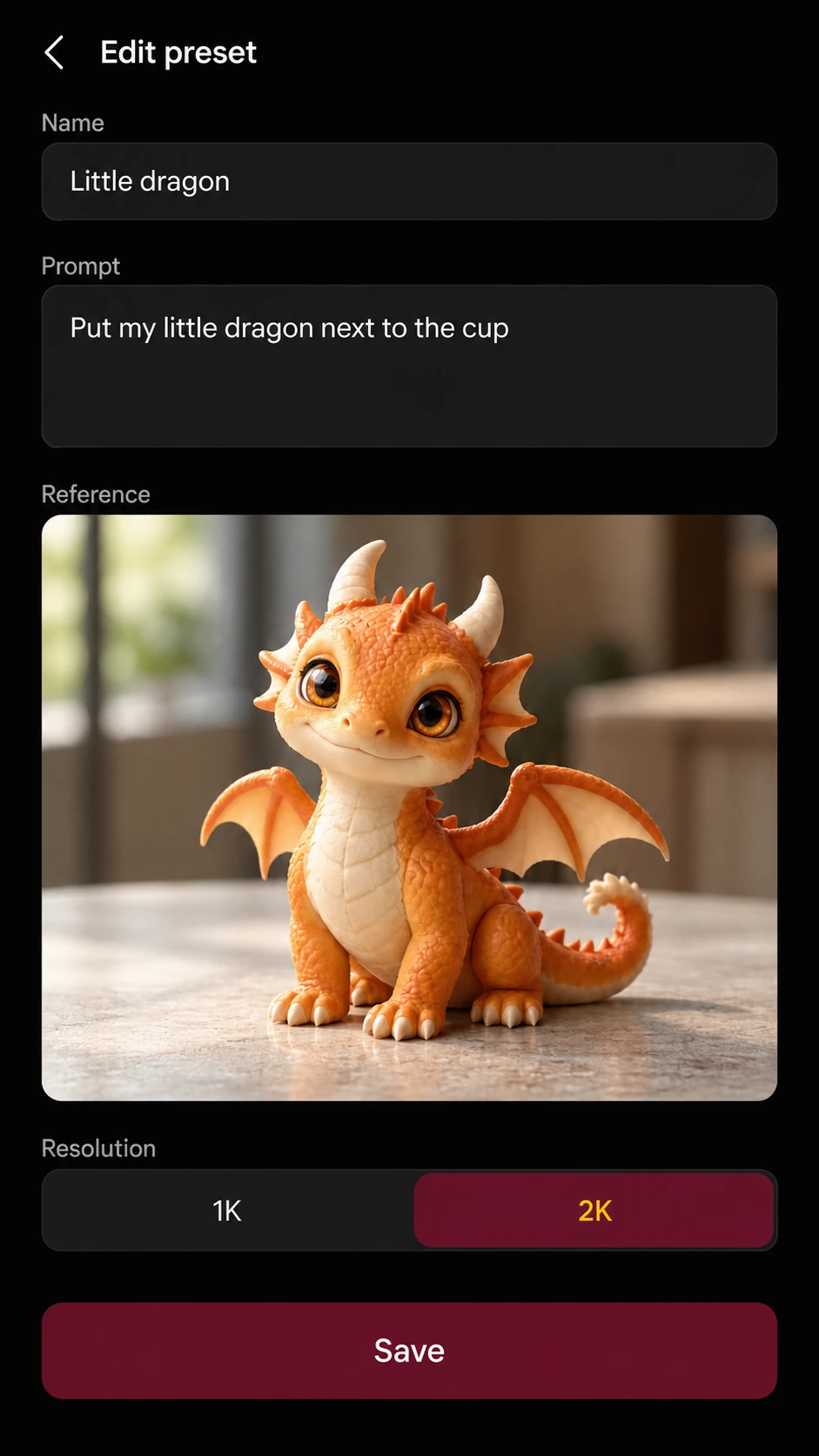
Explore film-inspired colour, a softer portrait or an imagined change of light. Your everyday frame is the starting point.
A friendly ghost around the corner, a tiny companion on your desk, or an imagined group photo with friends who agree to take part.
Sketch an outfit, a room arrangement or a product scene. A visual starting point, not a guarantee of size, fit or product accuracy.
Use references you own or have permission to use. Generated scenes are creative interpretations, not records of real events.
DIRECT APK · ANDROID
This signed test build installs from the official website and updates website builds 1.2.4 (24) or newer without erasing local app data.
Download for AndroidLoading verified checksum…Only install the file downloaded from liecamera.com. The older build 23 used a different app identity and installs separately; sign in here, verify server data, then remove that old app manually.
FILM STOCK
One roll contains 36 photo generations. New accounts receive 3 trial photos.
Film purchases open in Stripe’s secure checkout. You are charged only when you confirm payment; photo credits are added after Stripe confirms it.
USD 2.99 · CNY 19.99
USD 7.99 · CNY 52.99
USD 23.99 · CNY 159.99
BUILT IN HONG KONG
Lieca is an independent app by pw0 studio. This is its official home for downloads, help and film credits; the studio’s other projects live on their own website.
Explore pw0 studio’s other projects ↗ Private support formClosed testing or feedback? Email me directly — I personally read and reply.
ak@unwalltech.com